AI Photo Quality Enhancer

Improve blurry and low-resolution photos directly in your browser. Enhance details and upscale images 2x without uploading them to a server.

Photo Quality Enhancer

Upload photo to enhance

JPG, PNG, or WebP up to 8MB

AI photo enhancer
2x image upscale
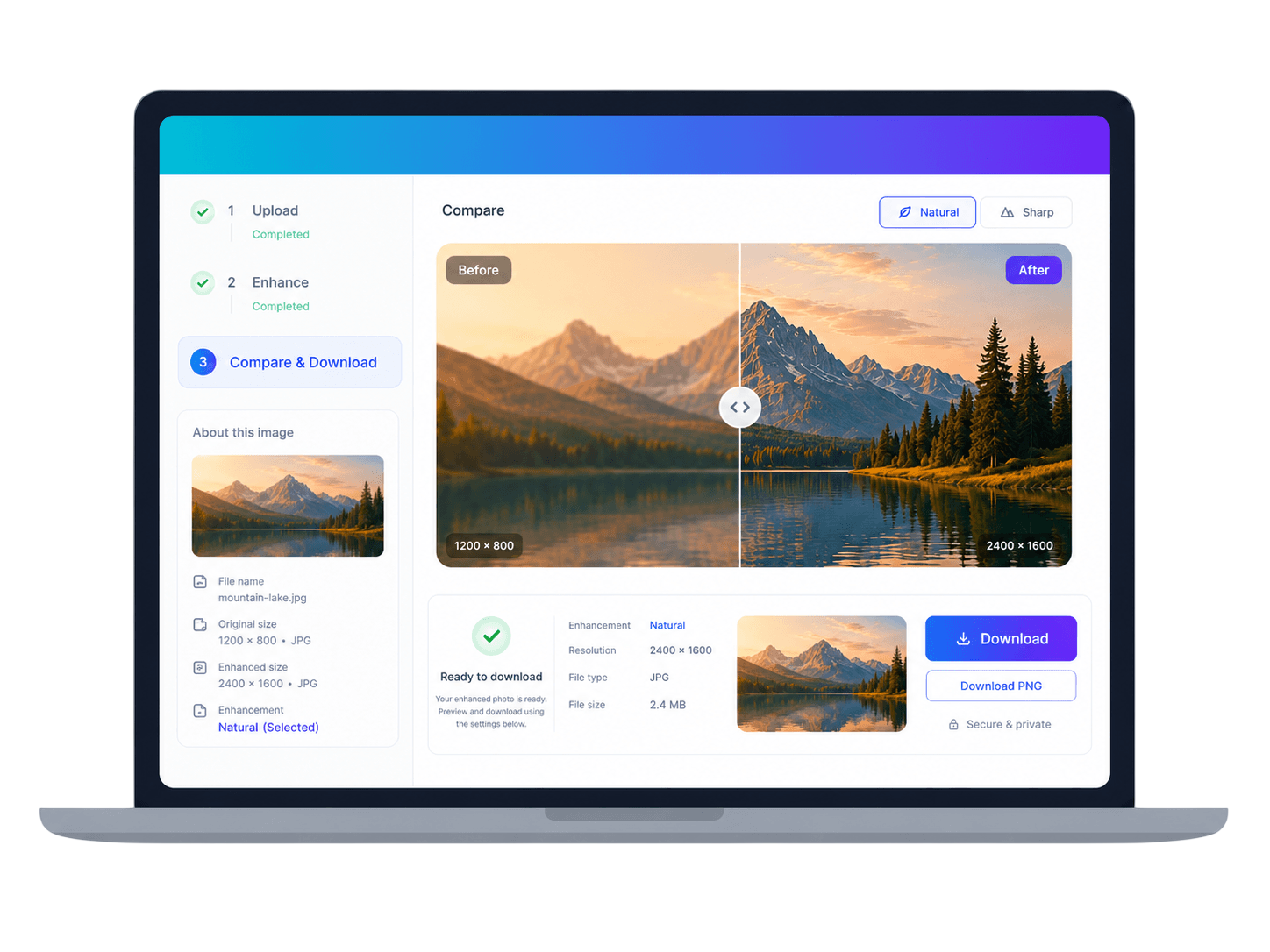
Before and after preview
Slide-ready download
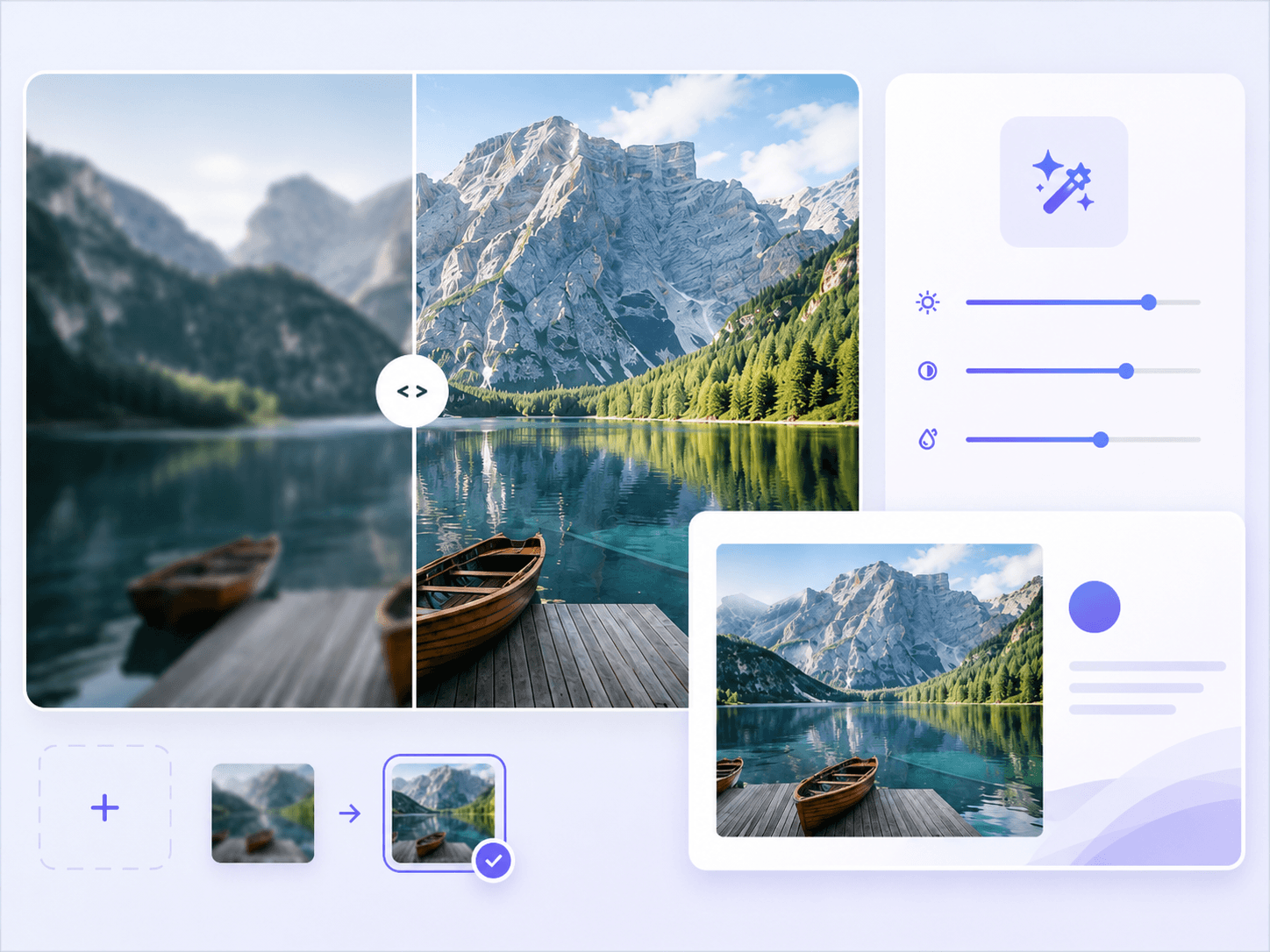
Photo quality enhancement before and after preview

Turn low-resolution source images into cleaner slide visuals

Small web downloads, old exports, meeting screenshots, and compressed photos often look soft once they are stretched across a deck. SlideImg helps recover a cleaner, larger version so the image feels intentional instead of patched in.

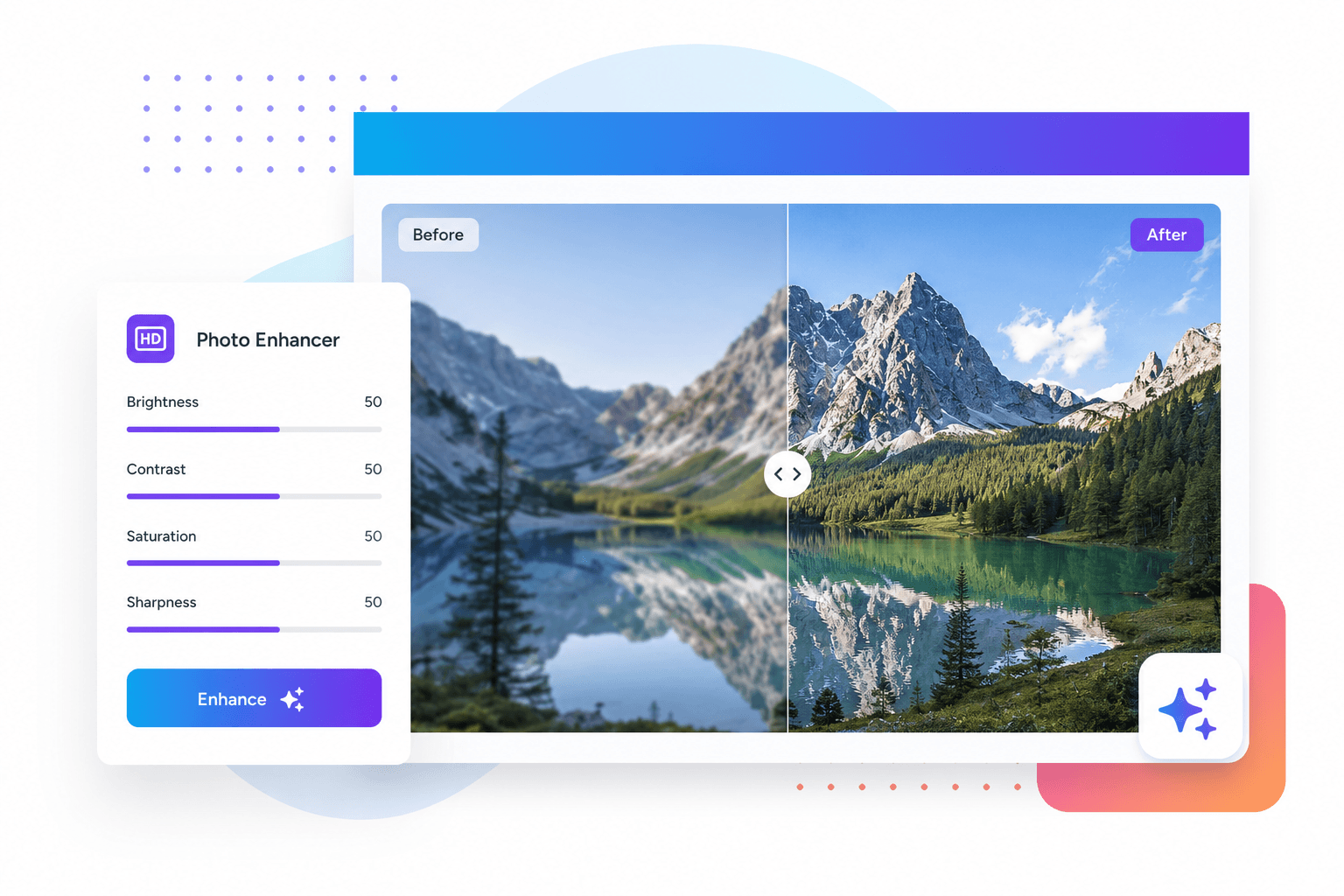
Photo quality adjustment controls preview

Improve clarity without rebuilding the image by hand

Use the photo enhancer when an image needs crisper edges, better detail, and a more polished finish before it goes into PowerPoint, Keynote, Google Slides, reports, thumbnails, or course material.

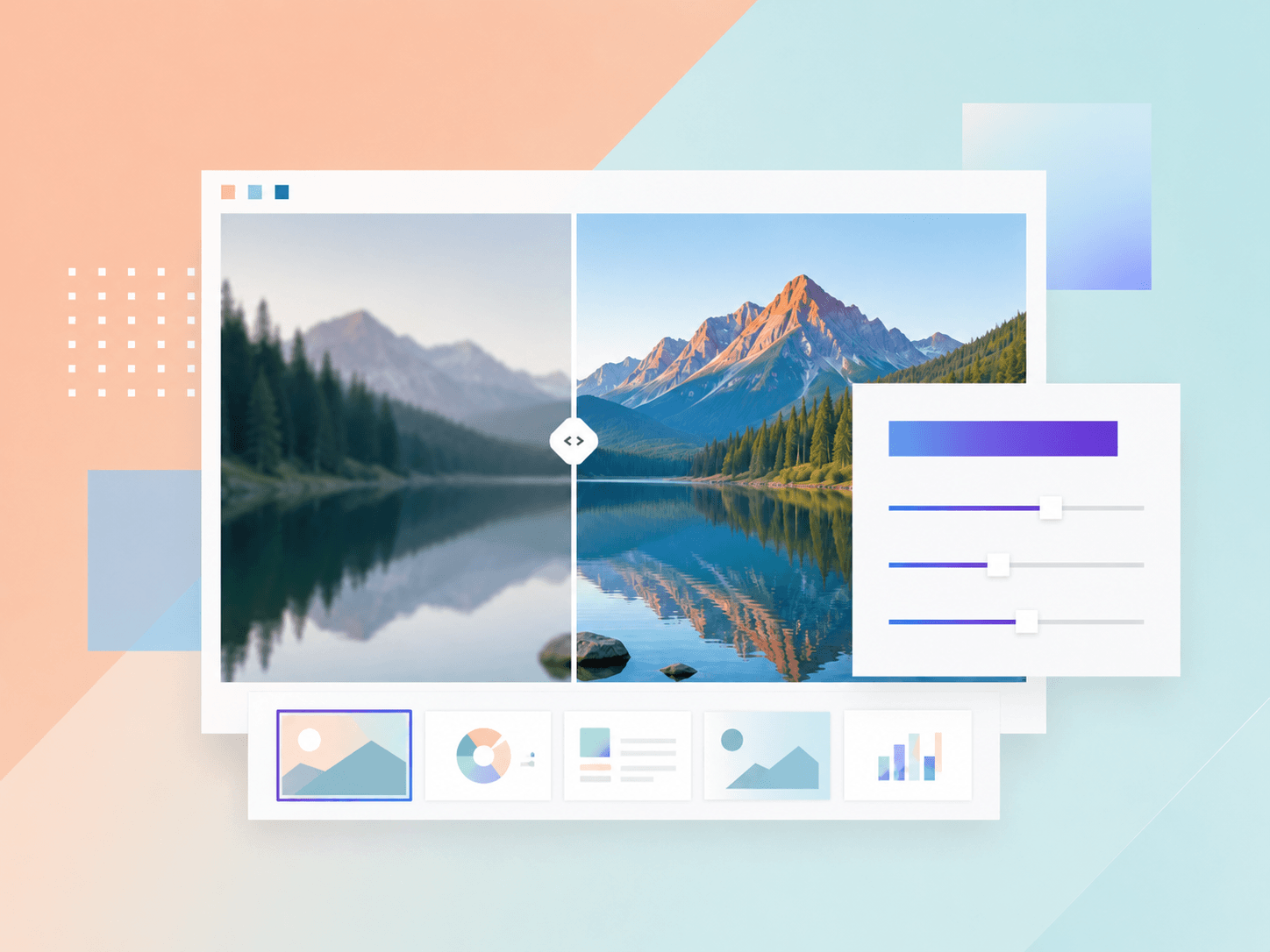
Photo quality editor tools preview

Compare the result before you commit

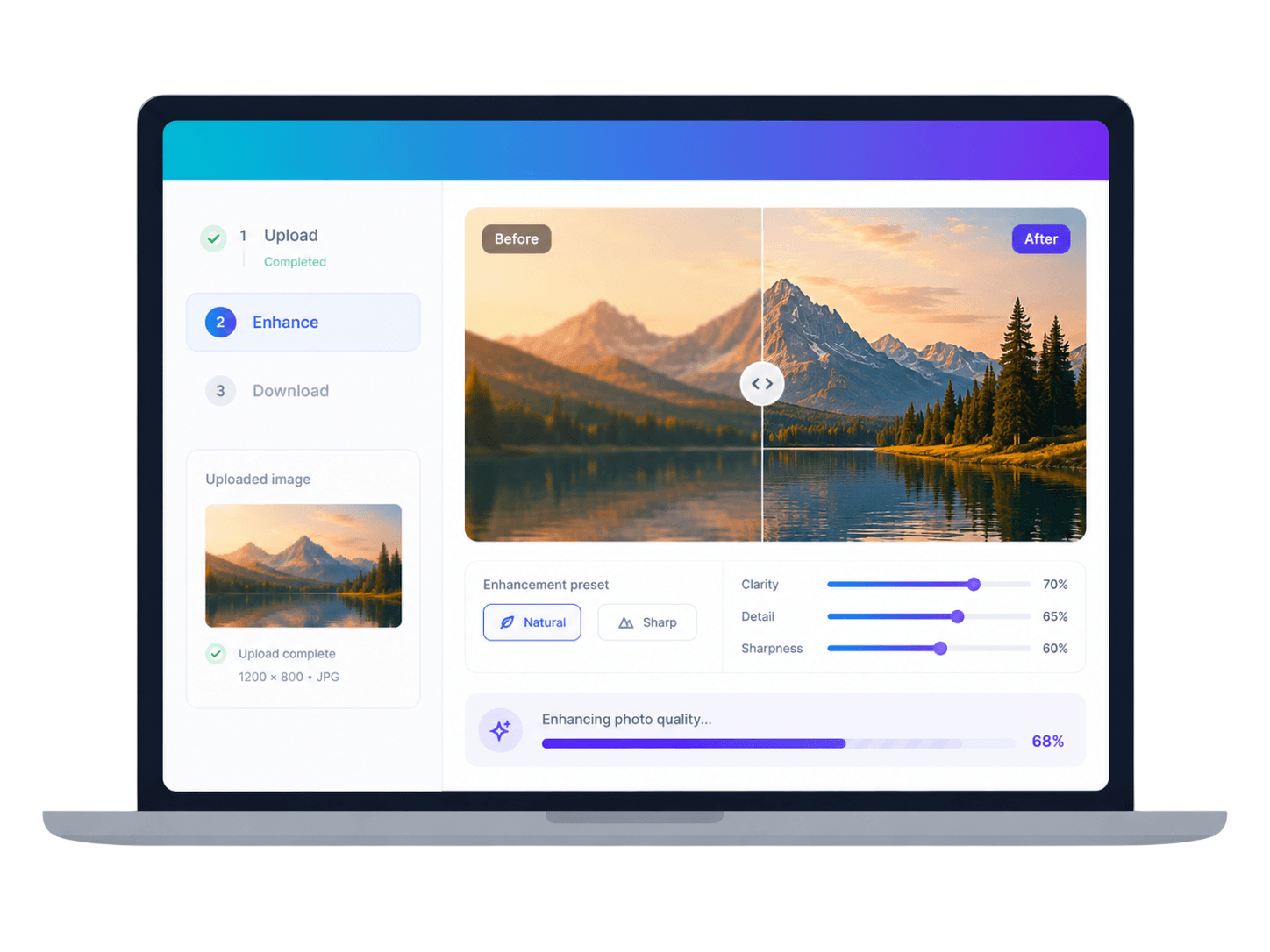
The workbench keeps the original and enhanced versions together, so you can check whether Natural or Sharp looks better before downloading the file for your deck.

Photo quality workflow upload previewPhoto quality workflow enhancement previewPhoto quality workflow download preview

How to enhance photo quality

Upload a photo

Choose a JPG, PNG, or WebP image that looks blurry, compressed, pixelated, or too small for a slide.

Enhance photo quality

SlideImg improves perceived clarity, reduces rough compression, and creates a larger 2x output.

Compare and download

Review the before and after result, then download an enhanced PNG or JPEG for presentations and documents.

Upload your image

Frequently asked questions

What does the AI photo enhancer improve?

It focuses on image clarity, perceived detail, 2x resolution, and a cleaner finish for blurry, compressed, or low-resolution photos.

What is the difference between the HDv1 and HDv2 models?

HDv1 is a lightweight model that improves clarity with fast enhancement and upscaling. HDv2 uses an advanced AI-powered image upscaling model to increase resolution while preserving detail, improving overall realism, and making blurry images clearer. It works especially well on AI-generated images and may deviate slightly from the original.

Can I sharpen a blurry photo online?

Yes. Upload a blurry or soft image, choose Natural or Sharp, and compare the enhanced output before downloading it.

Will the enhanced image be twice as large?

The current enhancer creates a 2x upscaled output, which can help small images hold up better in slides and documents.

Which image formats are supported?

You can upload JPG, PNG, or WebP images.

Does photo enhancement use credits?

The standard HDv1 model is always free. The HDv2 model uses credits.